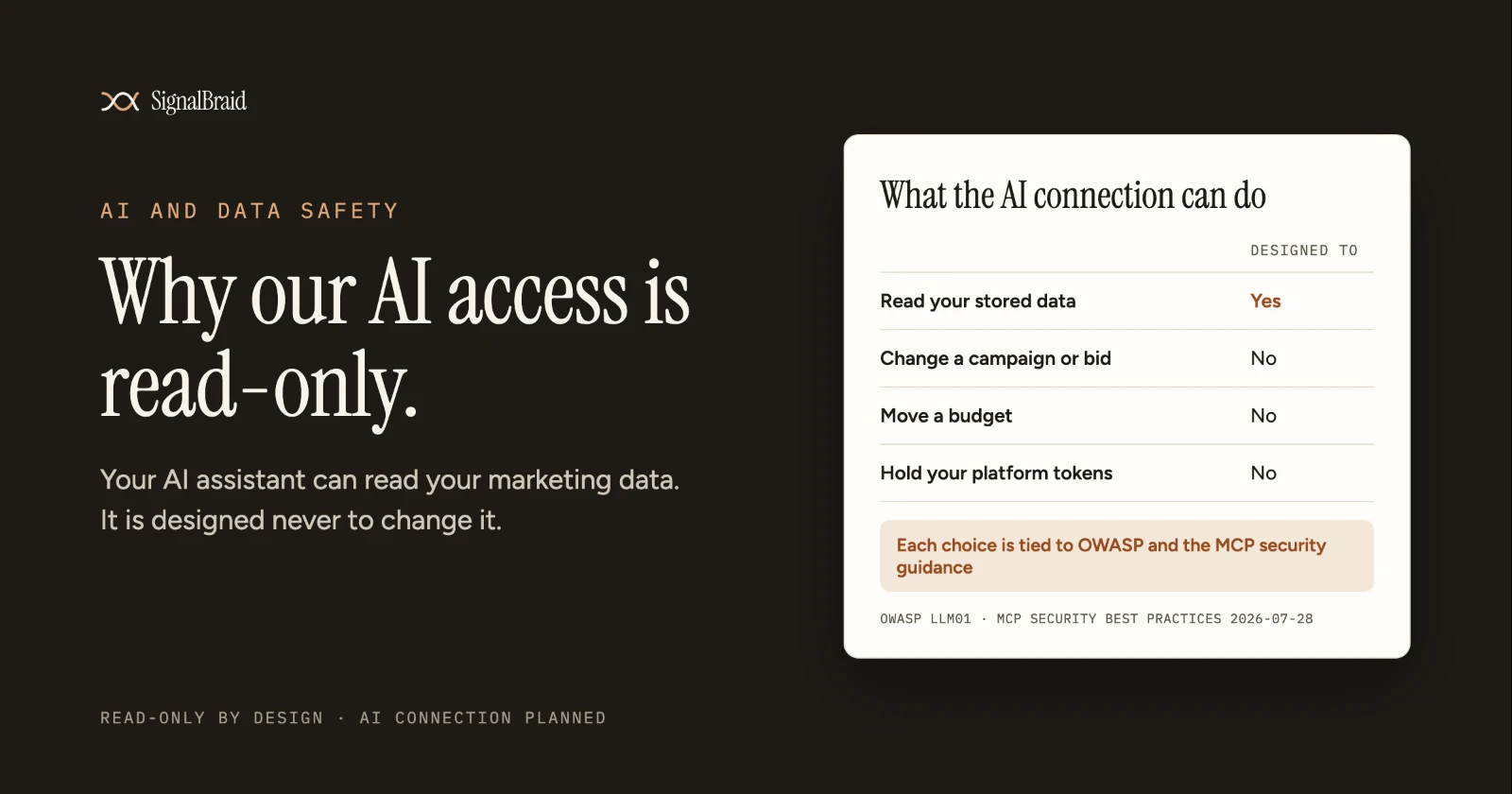
SignalBraid's read-only AI access means its AI connection can read your business data and never change it. It has no tool to edit a campaign, move a budget or delete anything in a connected account. The tokens that connect your platforms never reach the AI. That is a deliberate choice, and this post explains the reasons and what it costs you.
What "Read-Only" Means Here
An AI assistant connects to outside tools through MCP, the Model Context Protocol. Each tool a server offers is something the AI can do. Read-only means every tool SignalBraid's server offers only reads.
Three properties make that concrete. The AI connection is designed to list your connections, explain how a metric is defined, check how fresh the data is and query the numbers. None of those changes anything. The answers come from the copy SignalBraid already stores, not from live calls to your ad platform. And the AI holds a SignalBraid credential that only lets it ask SignalBraid questions. It never holds the token for your Google or ad accounts.
Why Not Let the AI Act?
Ad accounts spend money, and an AI assistant can misread a request just as a person can.
Marketing data also carries text that nobody on your team wrote, such as search queries and ad copy. OWASP, the open security community, lists instructions hidden in that kind of text, known as prompt injection, as the first risk for applications built on large language models. Its advice is to restrict the model's access "to the minimum necessary". For a tool whose job is to answer questions, the minimum necessary is reading.
Keeping Your Tokens Away From the AI
The second half of the design is about credentials. The MCP specification's own security guidance names "token passthrough" as an anti-pattern: a server that accepts a token it was not issued and passes it on to another service.
Its rule is plain. MCP servers "MUST NOT accept any tokens that were not explicitly issued for the MCP server."
SignalBraid is designed so that your platform credentials stay encrypted inside SignalBraid and are never returned through its API or its AI connection. The AI's credential reaches SignalBraid and stops there. If that credential leaked, it could ask questions of your stored data. It could not reach your ad accounts.
Design choice | What it protects against | Standard behind it |
|---|---|---|
Only read tools in the AI connection | An instruction, or injected text, that changes a campaign or budget | OWASP LLM01: least privilege, a human in the loop for privileged actions |
Answers from SignalBraid's stored copy | Answers that shift between two questions, and AI traffic that uses up your platform's API limits | SignalBraid design decision (stored normalised layer) |
Platform tokens never reach the AI | A leaked AI credential opening your ad accounts | MCP security best practices: no token passthrough |
Read-only permission at the platform, where one exists | A broader permission than reading needs | MCP security best practices: scope minimisation |
Read-Only Starts at the Platform, Where It Can
Some platforms let a connection ask only for permission to read. Google's Search Console API offers two scopes, one documented as "Read/write access" and one as "Read-only access".
Google Analytics offers an analytics.readonly scope. SignalBraid's connection code for both asks for the read-only one.
Not every platform offers that choice. Google documents a single OAuth scope for the Google Ads API. There, read-only cannot come from the permission alone. It has to come from the software: SignalBraid's AI connection simply has no tool that writes. We would rather say that plainly than let "read-only" sound stronger than it is.
What You Give Up
You cannot ask SignalBraid's AI connection to pause a campaign, change a bid or fix a tracking setting.
Those changes stay in each platform's own tools, where you see the effect, where the platform keeps its change history, and where the person making the change is a person. For a tool whose purpose is trusted answers, we think that is the right trade.
There is a second cost. Because answers come from the stored copy, they are only as fresh as the last sync. The AI connection is designed to say how fresh the data is, so you can see the date behind a number before you act on it. For most reporting questions, a dated and consistent answer is worth more than a live one that changes each time you ask.
How to Check Any AI Data Connection
You do not have to take any vendor's word for this, ours included. Four questions show how an AI connection to your marketing data is built.
First, what can each tool do? Every MCP server publishes the list of tools it offers. Ask the vendor for that list, or look for it in your AI client's settings. If any tool can change, create or delete something, the connection can act as well as read. For a worked example, see what Stripe's MCP server can read and write.
Second, whose credential does the AI hold? Ask whether your platform token ever leaves the vendor. The MCP security guidance says a server must not accept tokens that were not issued for it.
Third, what permission does it ask each platform for? Where a platform offers a read-only permission, as Search Console and Google Analytics do, a reporting tool has no reason to ask for more.
Fourth, where do the answers come from? A connection that reads a stored copy should tell you how fresh that copy is. One that calls the platform live should tell you whose API limits it uses.
What SignalBraid Does Today
SignalBraid is in development, with access by invitation. Read-only is a design decision that its code follows. The AI connection is not available to customers yet, and no AI client has a published test record.
Status on 30 October 2026, from the registry: MCP (AI connection): Planned, read-only. Google Analytics 4: Planned. Google Search Console: Planned. Google Ads: Planned.
Sources (read 29 October 2026)
- OWASP Gen AI Security Project, "LLM01:2025 Prompt Injection". https://genai.owasp.org/llmrisk/llm01-prompt-injection/
- Model Context Protocol, "Security Best Practices", version 2026-07-28 (sections "Token Passthrough" and "Scope Minimization"). https://modelcontextprotocol.io/docs/2026-07-28/tutorials/security/security_best_practices.
- Google for Developers, "Authorize Requests | Search Console API". https://developers.google.com/webmaster-tools/v1/how-tos/authorizing
- Google for Developers, "Google Analytics API quickstart" (the analytics.readonly scope). https://developers.google.com/analytics/devguides/reporting/data/v1/quickstart-client-libraries
- Google for Developers, "OAuth 2.0 internals for Google Ads API". https://developers.google.com/google-ads/api/docs/oauth/internals
- SignalBraid product design decisions on the AI connection and credential handling (internal documentation, not public).